
Access Controls in Edmonton
What is access control?
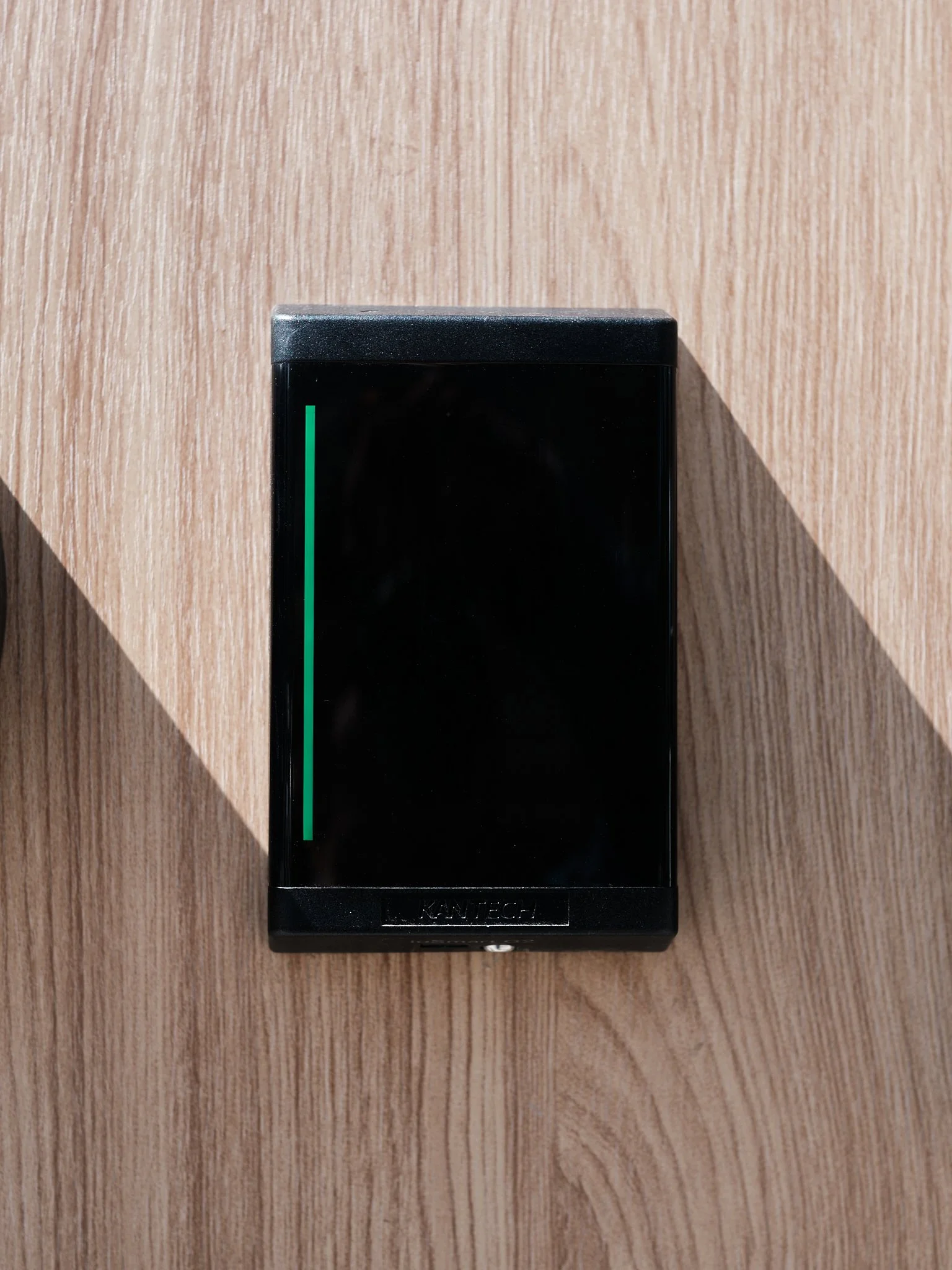
Access control replaces keys with credentials — a fob, a card, a code, or a phone. Instead of a lock that accepts one particular cut of metal, you have a reader at the door and a list, held in software, of who's allowed through it and when.
The difference shows up at turnover. When a tenant moves out with a key you can't recover, your options are rekeying the suite or accepting that a working key is out there somewhere. When a tenant moves out with a fob, you remove them from the list in about ten seconds and the fob becomes a piece of plastic.
The same applies to a contractor who needs the mechanical room for three days, or a cleaner who should have the building between 6AM and 10AM and not at midnight. With keys, access is permanent once handed over. With credentials, it has an expiry date and a schedule. In addition, you can also grant access to tenants based on their business hours of operation. It can also follow a tenant’s hours. One building we service has three floors, one business on each, all sharing the same front entrance and elevator — and all keeping different hours. We tied the elevator into the system and programmed each floor to its tenant's schedule. A fob takes you to your own floor during your own business hours, and nowhere else.
What it doesn’t do
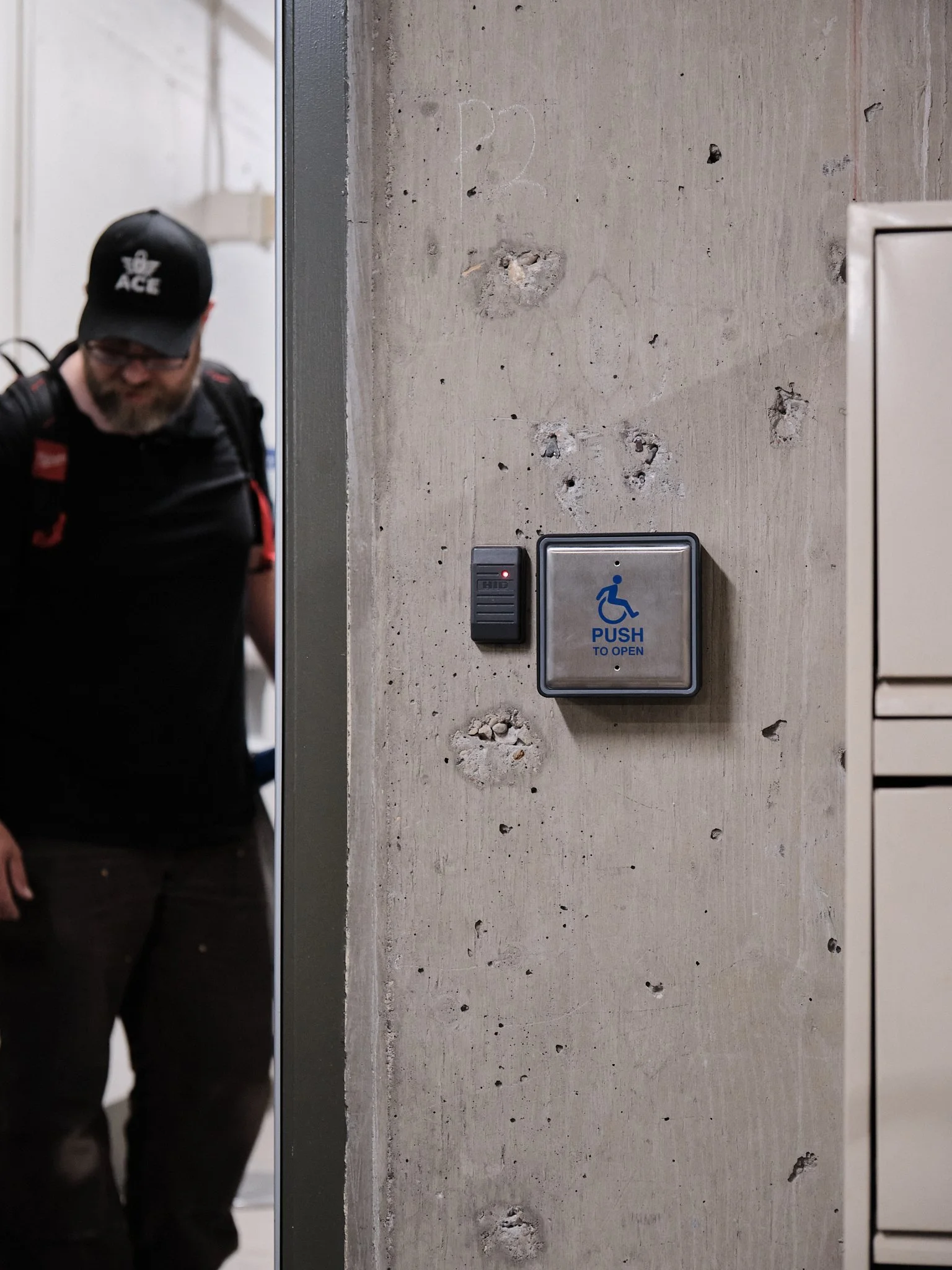
Access control doesn't replace your door hardware. The door still needs a functioning closer, a strike that lines up, and a frame that hasn't shifted — an electric strike on a misaligned door fails the same way a deadbolt does. Most buildings need some door and lock repair before the electronics go on.
It also doesn't have to be all or nothing. Plenty of buildings put readers on the exterior doors and the amenity rooms, and leave suite doors on keys or a master key system. That covers the doors where access changes most often, at a fraction of the cost of doing every door.
Access control solutions we install
Fob and card readers — the standard for multi-unit and commercial buildings
Keypad and PIN entry — no credential to carry or lose, useful on lower-traffic doors
Mobile credentials — a phone as the credential, where the system supports it
Intercom and buzzer systems integrated with the access list
Elevator and floor-level control — restricting which floors a credential reaches, and when
Multi-door and building-wide systems with a single administration point
Electric strikes, maglocks and electrified hardware on existing doors
Multi-unit residential
The challenge with apartments, townhomes, or condos are volume of change. Suites turn over, fobs get lost, residents move in mid-month, and someone always needs a replacement on a Friday.
What matters most in these buildings is usually the administration rather than the hardware. Who can add a resident, how fast a lost fob gets deactivated, and whether the records match reality a year later. We set the system up so your on-site staff can handle day-to-day changes without calling us, and we're there for the things that actually need a technician.
Common scope: front entrance, rear and side doors, parkade man door, amenity rooms, storage and bike rooms, laundry. Suite doors usually stay mechanical, often on a master key system, because the cost per door doesn't justify credentialing thirty suites that rarely change hands mid-tenancy.
Office and commercial buildings
Office buildings have the opposite problem: fewer changes, but the changes matter more. A departing employee with a fob to the server room is a different exposure than a resident with a fob to a bike room.
Multi-tenant buildings also have a boundary question that keys handle badly. Every tenant's staff and clients come through the same front door, but each tenant needs their own space closed to everyone else. That's the case the elevator scheduling above solves, and it's the most common reason an office building calls us.
Common scope: main entrance on a schedule, tenant suite doors, elevator floor control, server and telecom rooms, after-hours access for specific staff.
Schools, rec centres, and institutional facilities
Facilities are the buildings where doors take the most abuse and the schedules are the most complicated. A rec centre has public hours, staff hours, program hours, and contractor access, often on the same doors on different days.
The hardware conversation here runs alongside a fire code conversation, because most institutional doors are also egress doors. Whatever goes on them has to allow people out at all times without a credential — that isn't optional and it isn't a preference. We work within that from the design stage rather than discovering it at inspection.
This is a typical scope: public entrances on a program schedule, staff-only areas, mechanical and electrical rooms, change rooms, equipment storage, exterior doors that need to lock reliably at close.
Common issues after installation
No matter what access control system you choose, it requires upkeep.
The list stops matching reality. People leave and nobody removes them. This is the most common problem with access control and it isn't a hardware failure — a building that never prunes its list has the same exposure as a building that never collected its keys. A quarterly review of who's on the list is fifteen minutes and it's the single most useful habit an administrator can have.
Fobs pile up. Every lost fob that stays active is a working credential somewhere. Deactivating on report rather than on replacement is the fix.
Doors get propped. A credentialed door held open with a rock is an uncontrolled door, and it's usually the loading or smoking door. Some systems can alert on a door held open; whether that's worth turning on depends on whether anyone will act on it.
Hardware wears where the electronics don't. The reader keeps working long after the strike, closer or hinges have gone. If a credentialed door has started dragging or not latching, that's a door repair problem showing up as an access control complaint.
Working with property managers
Access control is one of the most requested upgrades we're asked about by Edmonton property managers and facility operators, and most of those conversations start with a building that already has a system somebody else installed.
We work with most major manufacturers such as Kantech and Mircom, and can integrate with existing building infrastructure rather than replacing it, where that's the sensible route.
We handle hardware selection, wiring, programming and staff training, and provide documentation you can hand to the next person in your role.
Frequently Asked Questions
What does access control cost per door? It depends on whether the door needs new hardware, whether there's a path for wiring, and how many doors share a controller — the first door on a building carries the system cost and the rest are considerably cheaper.
Can I use my existing doors? Usually. Most doors can take an electric strike or electrified hardware. The doors that give trouble are ones that don't latch reliably now, aluminum storefront with limited room in the frame, and doors with no realistic wiring path. We'll tell you which of yours are which before you commit.
What happens when someone loses a fob? You deactivate it in the software and issue a new one. The lost fob stops working immediately, and nothing else in the building changes — which is the whole point compared to a lost key.
Who holds the database — me or you? Yours, on your system. We set it up and train your staff to administer it, and we're available if you need support or would rather us handle a change.
Does it work if the internet goes down? Yes. Controllers hold the access list locally and keep making decisions at the door without a connection. What you lose during an outage is remote administration and live reporting, not entry.
What happens in a fire, or a power failure? Egress is never dependent on the system — people can always get out mechanically. On the entry side, hardware is specified either to release on power loss or to stay locked, depending on the door and what code requires for it. That decision gets made per opening at design, and we'll walk you through which of your doors is which.
Do you service systems you didn't install? Yes, including systems from most major manufacturers.
Can access control replace our master key system? It can, but for most buildings it shouldn't do so all at once. Credentialing the doors where access changes often, and leaving the rest on keys or a master key system, gets most of the benefit for a fraction of the cost.
Call Ace Locksmith at (780) 999-0456 or contact us online to talk through an access control project.
Testimonials
-
"Fast, professional service! So very helpful! I will be recommending him going forward! Keep up the excellent work!"
Spencer B.
-
"Competitive pricing and Joe is very professional with tenants. Appreciate making one call and knowing the issue is dealt with. Highly recommend!"
Ehay